Answer
Apr 06, 2026 - 08:48 AM
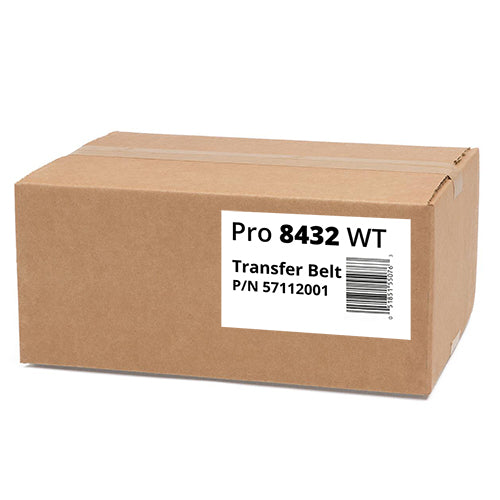
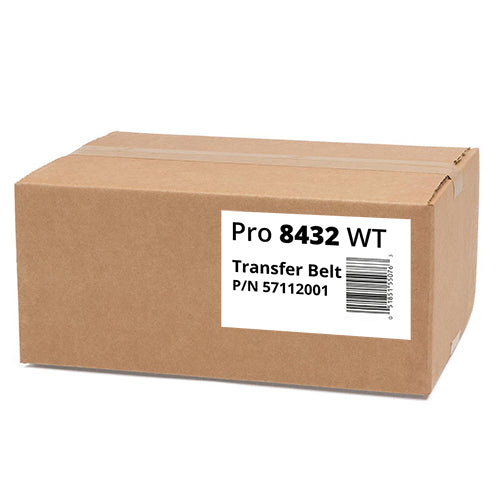
We are glad you asked! Here is the recommended way to check if you need to replace your Transfer Belt for the OKI8432WT Printer.
Helpful Transfer Belt Step-by-Step Diagnosis:
- Check for Error Codes or Messages
The OKI8432 will often show a message on the display panel related to consumables. Look --for "Belt Unit Near End / Replace Belt"
This messages indicate wear, but not necessarily malfunction. If no error appears, proceed to step 2. - Print Quality Symptoms
Transfer Belt Issues show as:
- Repeating patterns or defects (often the same defect appears every few inches).
- Color mis-registration (colors not aligning correctly).
- Ghosting or repeated faint images on the page.
- Smudging or streaks across the print.